

Free checks, no account needed
Know what your devices and AI agents expose — check free, fix in minutes
Start with your own connection: AdminKit reads your IP address, ISP, ASN and approximate location straight from this request and explains what each one means, in plain language, with no account and no install required. It also flags Carrier-Grade NAT (a shared IP) and shows which DNS resolver your connection is actually using, so you can catch problems a plain IP lookup would miss.
Updated
- No account needed for the core tools
- AdminKit is a brand of Netbase JSC, founded 2012
- security.txt and a disclosure policy from day one
- No third-party ads, ever
23 tools · 223 glossary terms · 118 guides · 29 comparisons · 11 solutions — as of 2026-11-02, counted from the site's own content.
Who AdminKit builds with and for
Infrastructure AdminKit actually runs on, and AI platforms its MCP tools are built to work with.
Supplier and API partners
-
 Cloudflare
Using and able to integrate
-
 Anthropic (Claude, MCP)
 -
 Google Gemini
Product names and logos belong to their owners.
Six layers, one control plane
Free checks are the front door. Behind them, AdminKit protects the connections your devices and agents make — honestly labelled as early access until they are fully live.

Protective DNS
L1 — device-aware DNS resolver
Learn more
MCP & Agent Gateway
L2 — proxy in front of your MCP server

Agent Trust API
Score an endpoint before an agent calls it

Secure MQTT Broker
L3 — managed broker with auth and ACLs

OT Remote Access
L4 — zero-trust access for OT

Check API & MCP server
L0 — the checks, as an API
Your next check, or the next step
Three free checks with a real result shown below, plus one place to start if you build AI agents.
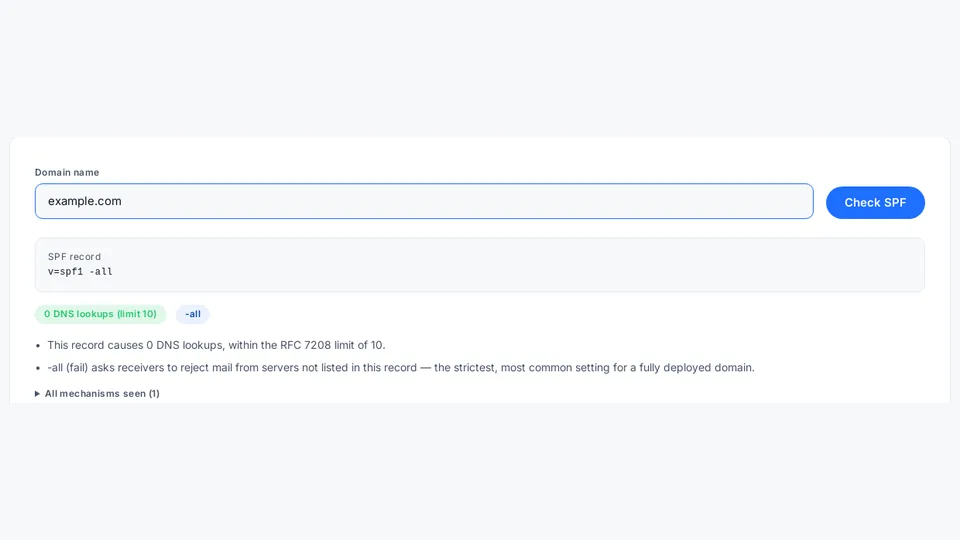
SPF check
Validate your domain's SPF record and lookup count.
Open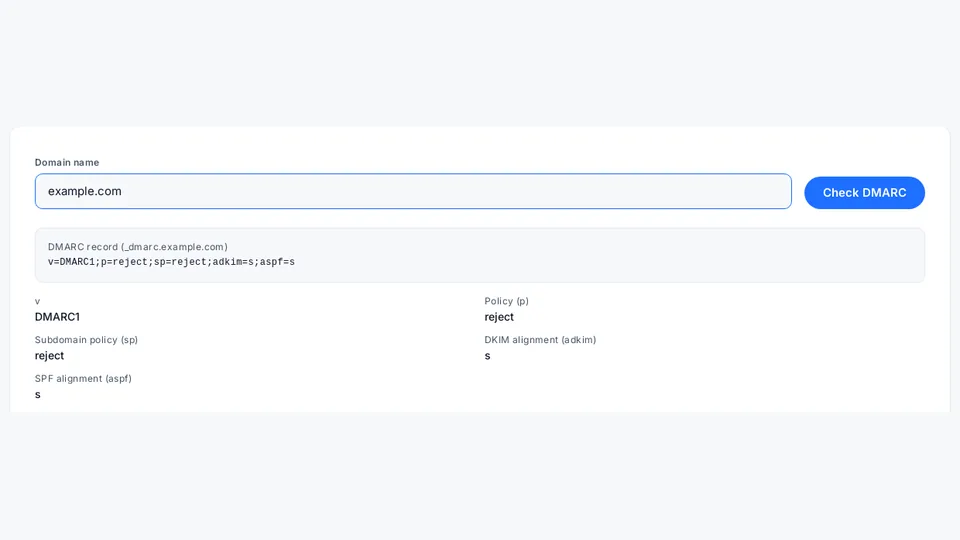
DMARC check
Validate your domain's DMARC policy and reporting tags.
Open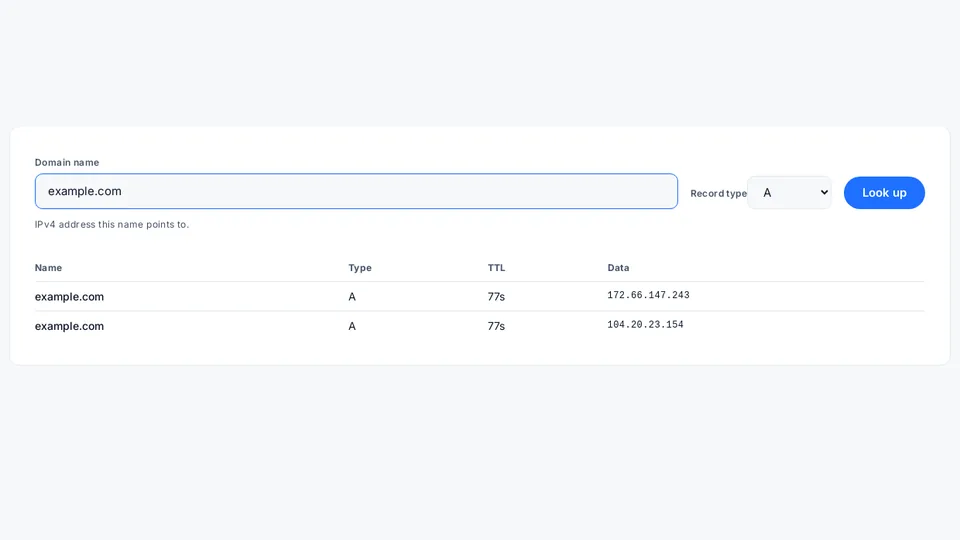
DNS lookup
A, AAAA, MX, TXT, NS, CAA and more for any domain.
OpenCheck what your AI agents and MCP servers expose, before you ship
AdminKit's free MCP check tells agent builders whether an endpoint is reachable and demands authentication, since public MCP servers left open without auth during prototyping can otherwise be called by anyone who finds them, not just the agent they were built for, with a gateway and trust layer planned for later..
OpenWho it's for
A free check that fits what you're actually running, not a generic one-size pitch.

See what's reachable on your factory floor before a contractor does
AdminKit's free tools let factories check remote-access exposure today, including port forwards like VNC, RDP, or Modbus TCP that a contractor opened for a single maintenance job and nobody ever closed afterward, with a dedicated Modbus TCP reachability check coming soon via the AdminKit Check API and identity-based OT remote access planned as a later paid layer..
See what fits
Check what your shop's network exposes, without hiring IT staff
AdminKit lets shops and cafés check their cameras, point-of-sale, and WiFi exposure for free today, including whether guest WiFi shares a flat network with your POS and which ports are open on your public IP, with an IP blacklist check coming soon via the AdminKit Check API and paid protection and expert configuration help available as the product grows..
See what fits
Find out why your office email lands in spam or your IP gets flagged
AdminKit's free tools let small offices check SPF, DKIM, DMARC, and exposed devices today, since a single misconfigured record or one compromised laptop or printer can quietly send your mail to spam or get your office IP blacklisted, with a blacklist check coming soon via the AdminKit Check API and device-level visibility planned as a paid layer later..
See what fitsGuides
Answer-first explainers for DNS, email authentication and AI agent exposure.
DNS propagation and TTL explained
DNS changes don't appear instantly because resolvers cache records for their TTL. Learn what controls the wait, and how to check with a fresh resolver.
Updated
How to get delisted from Spamhaus
Find out which Spamhaus list flagged your IP (SBL, XBL, PBL or CSS), what each checks for, and the public removal procedure. No outcome guarantee.
Updated
How do you check whether your MCP server is exposed, using an AI agent?
Ask an AI agent to run AdminKit's check_mcp_endpoint tool against your MCP server: a real, no-credentials exposure probe, never a third-party host.
Updated
How it works
The same four steps every free check on AdminKit follows.
Run a free check
Open any tool under /tools/ — DNS, mail authentication, TLS, ports and more. No account, no install.
Read the result
Every result explains what it found in plain language, with the evidence behind a pass or fail.
Fix or monitor
Each result links to a guide for fixing the issue yourself, or a relevant product for ongoing monitoring.
Go deeper with the API
Developers and AI agents can call the same checks through the planned Check API and MCP server.
Frequently asked questions
Does AdminKit store my IP address?
No — nothing is stored. The My IP check reads only the current request's IP and the Cloudflare request metadata attached to it (ASN, approximate location), computed in under a second and served with Cache-Control: no-store, so no value persists after the response is sent. See /legal/privacy/ for the full data-handling detail.
What does "CGNAT hint" mean?
Many ISPs and most mobile carriers share one public IP address across many customers (Carrier-Grade NAT, RFC 6598). When we detect that pattern we flag it as a hint — it means results tied to "your" IP may actually reflect other people sharing it too.
Is checking my own IP and ports legal?
Yes — the open-ports check only ever scans the IP address that is sending the request, and only runs after you explicitly opt in. It never scans another person's network.
Why is AdminKit free for the basic tools?
The basic checks (IP, DNS, mail auth, whois) are the entry point to AdminKit, not the product — see /services/ and /products/ for what AdminKit charges for.
Is AdminKit free forever?
The core checks — IP, DNS, mail authentication, whois and device-exposure lookups — stay free with no account. The protective layers (Protective DNS, MCP Gateway and the rest) are separate, paid-later products, currently early access; see /products/ for what each one is.
What data does AdminKit keep?
Very little: the free tools serve results with Cache-Control: no-store and do not log the IPs they check. Security and abuse mail is kept 3 years; honeypot/sensor data is kept 14 days. See /legal/privacy/ for the full, named list of processors and retention periods.